I’ve stopped writing. I just talk.
Wispr Flow transforms voice into clean text on Mac, Windows, iPhone, and Android. Here is how it works, how much it costs, and how much time you can save.
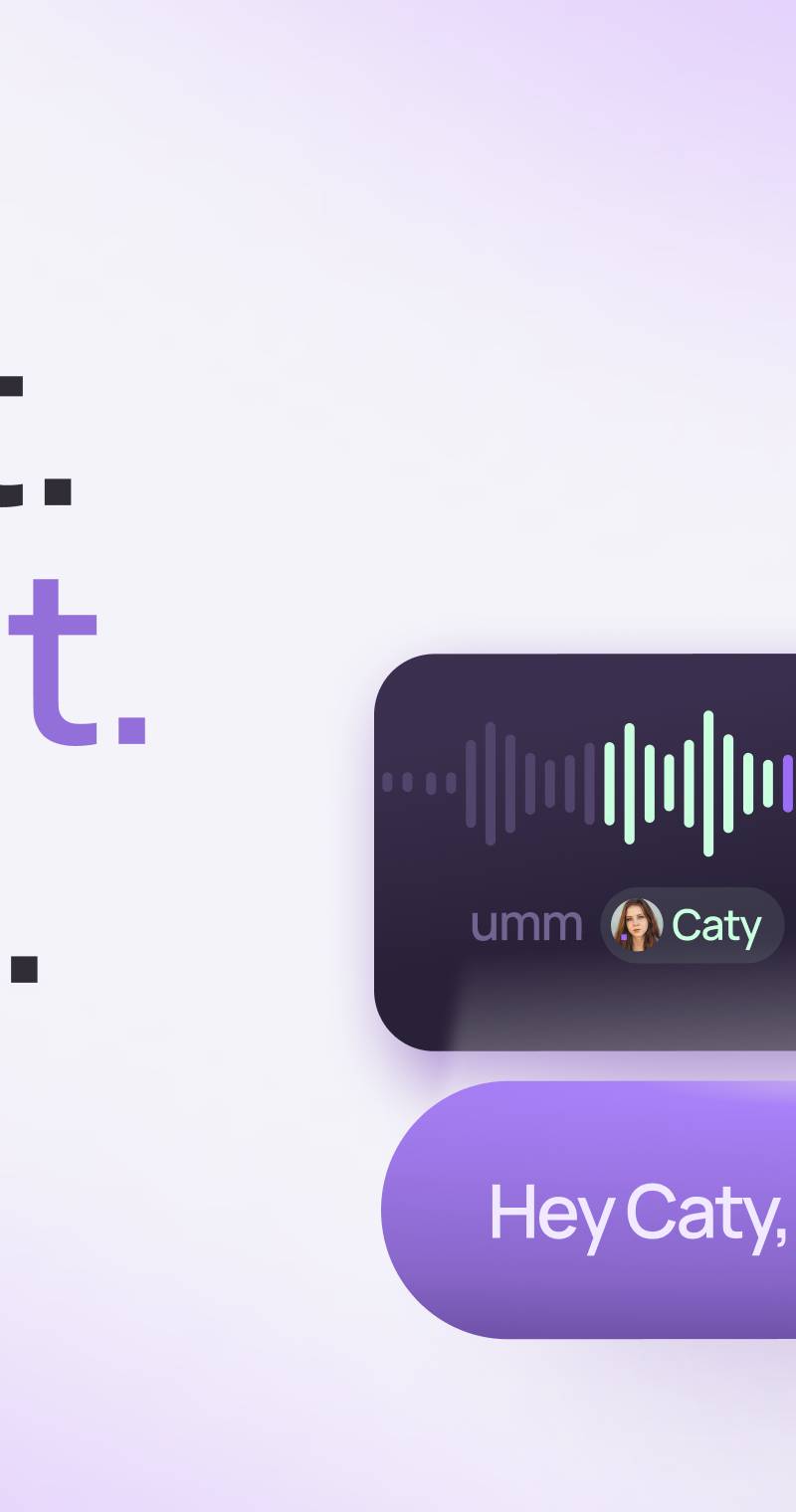
I have been using an application called Wispr Flow for weeks now, and I must admit it has changed the way I work. I reply to emails by speaking. I write letters by speaking. I prepare my articles by speaking. The text appears on the screen already cleaned up, with punctuation in the right places, without the "umms," and without half-finished sentences. This isn't the old phone dictation that would write "affairs" when you said "at Faido." This is something else entirely.
I'll start with a confession. I am not a big fan of voice messages on WhatsApp. Receiving two minutes of audio when two lines of text would have sufficed often seems like an elegant way to shift the burden from the sender to the recipient. However, there are moments when a voice note is the right choice, and even the safest one. If you are driving on the Cantonale, if your hands are busy in a workshop, if you are carrying groceries, speaking remains the only reasonable option. The problem is that the recipient then has to listen. Wispr Flow solves exactly this step: you speak, and the reader receives text.
It works like an invisible keyboard. You install it on Mac, Windows, iPhone, or Android, press a key or a button, speak, and the text enters whichever application you are currently using. Email, Word, WhatsApp Web, a supplier form, the ChatGPT chat. There is no need to copy and paste from anywhere. The Italian works well, which is not a given: the application handles over one hundred languages, and in recent months, the quality of Italian has been brought up to the level of English. It isn't on iPad yet, but it has been announced.
From here, three practical observations.
The first concerns actual speed. We speak at about one hundred and fifty words per minute and write at sixty, at best. Anyone managing thirty emails a day recovers hours every week, not minutes. It is the kind of gain you notice after the first afternoon of use, not after six months.
The second concerns the cost. A free version really does exist, but pay attention to the detail: the limit is weekly, not monthly. About two thousand words per week on a computer and one thousand on iPhone, while on Android, dictation is currently unlimited. These figures are sufficient to understand if the tool is right for you, but not for everyday work. The Pro version costs fifteen dollars a month, or about twelve if you pay for the full year. For those who write for a living, the math adds up quickly.
The third: for those who want to try it, I have a link that gives one month of the full Pro version with no word limits: https://wisprflow.ai/r/LUCA21272
A broader consideration remains. For years we have adapted ourselves to the machine, learning to tap on keys at its speed. Now, the opposite is starting to happen. Technology is adapting to the way human beings have always communicated: by speaking. Those who have always said they weren't "good with computers" might realize that the problem wasn't the computer. It was the keyboard.

digiTIamo · volunteer journalism
Enjoyed it? The next round is on you.
digiTIamo is my volunteer project: I write it for passion, in my own time, for people who want to understand technology without getting fooled. No paywall, no subscription. If this article helped you, buy me something: I turn it into time for the next one.
Secure payment with Stripe. Card details never touch this site.
Your contribution goes to LucaCarbone OÜ, my company. It is not a tax-deductible donation. Privacy